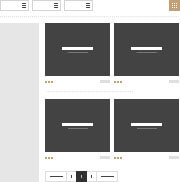
Lots of new portfolio options are introduced in the new theme version. You may see some of the possible configurations here. Select Portfolio page template to start working with new portfolio pages. Then you may style all portfolio pages in Portfolio page options section. In case you want to add custom styles to a certain page, find the Portfolio page metabox in page editor and change the settings. You may select various layout tyes, sidebars and columns, hover effects, navigation, content position, appear effects, pagination and more.
Portfolio structure logic
Short Description
Sidebars and columns
1 column
2 columns
3 columns
4 columns
5 columns
6 columns
Both sidebars
Right sidebar
Left sidebar
No sidebars
Layout variations
Classic
Masonry

Grid
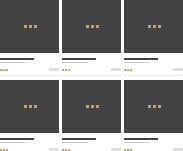
Inner page content align
Bottom description

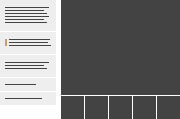
Left description
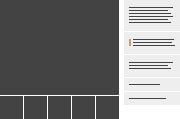
Right description
Inner page content presentation
Default gallery
Medium thumbs
Big thumbs
Small thumbs
Advanced gallery
Portfolio hover examples
1st example
2nd example
3rd example
4th example
5th example
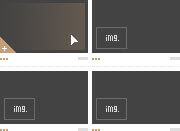
6th example
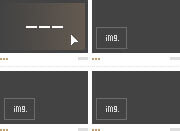
Pagination decoration
1 Pagination style
2 Pagination style